Most advice on studying online assumes a laptop, steady broadband and a power point that works all day. Online learning in Papua New Guinea often looks different: a phone as the only device, a prepaid data balance that has to last, signal that drops when the weather turns, and electricity that comes and goes. This guide is built around those limits. It covers how to choose a course, how to download lessons while you have signal, how to plan a week around data and power, and how to check that a qualification is genuine before you pay.
One rule applies to everything below. Fees, entry requirements, course availability and recognition change, so confirm every institution and every offer with its official source before you enrol or pay.
What Online Learning Really Means for a PNG Student
Online learning covers a wide range of formats, and they use very different amounts of data. A live video class needs a strong, steady connection for the whole session. A recorded video lesson can be downloaded once and watched many times. A PDF reading pack or a text-based lesson uses a fraction of the data that video does. Some courses mix all three.
For a student on a small data budget, the format matters as much as the subject. Before choosing a course, ask three questions:
- Does it need live attendance? Live sessions at fixed times are hard to attend when the signal is unreliable. Look for courses where you can work at your own pace.
- Can lessons be downloaded? A course that lets you save videos, readings and quizzes for offline use is far easier to finish than one that must be streamed.
- What does it ask of your phone? Check the storage space needed, whether there is an app, and whether the course works on a basic Android phone with a small screen.
Time is the third limit. Many students study around work, farm duties, church, family and travel. A realistic plan is a few short sessions a week that you actually complete, rather than a long timetable you abandon in the second week.
Three Pathways to Choose From: A Degree, a Certificate or a Single Skill
Pick the pathway before you pick a provider. Each one asks for a different amount of money, time and data.
A full degree
A degree or diploma is the longest commitment, usually several years of part-time study. It suits school leavers and working adults who need a recognised qualification for a profession such as teaching, accounting, health or public administration. Ask the institution directly whether the program is offered by distance or online, how assessments and exams are done, and whether you must travel to a campus for any part of it. The exam arrangements matter most in the provinces, because a program that requires a long journey for each exam changes the real cost.
A professional certificate
A certificate is shorter and tied to a job function: bookkeeping, project management, office administration, safety training, and similar fields. It can suit a working adult who wants to move up in the job they already have. Check who awards the certificate, and whether employers in your sector actually ask for it. A certificate from a body your employer does not recognise adds little to your application.
A single skill
A short course on one skill is the cheapest and fastest option, and the best place to start if you are unsure how well online study works for you. Examples include using spreadsheets, writing a clear CV, basic digital marketing, or running a small business’s records. Completing one short course also shows you how much data you really use before you commit to something longer.
A sensible order for many students is to take one short course first, then decide on a certificate or degree once you know your connection, your phone and your schedule can handle it.
How to Check That an Online Course or Qualification Is Genuine
Fake colleges and false course offers exist online, and they target people who are eager to get ahead. Do the checks below before you pay anything.
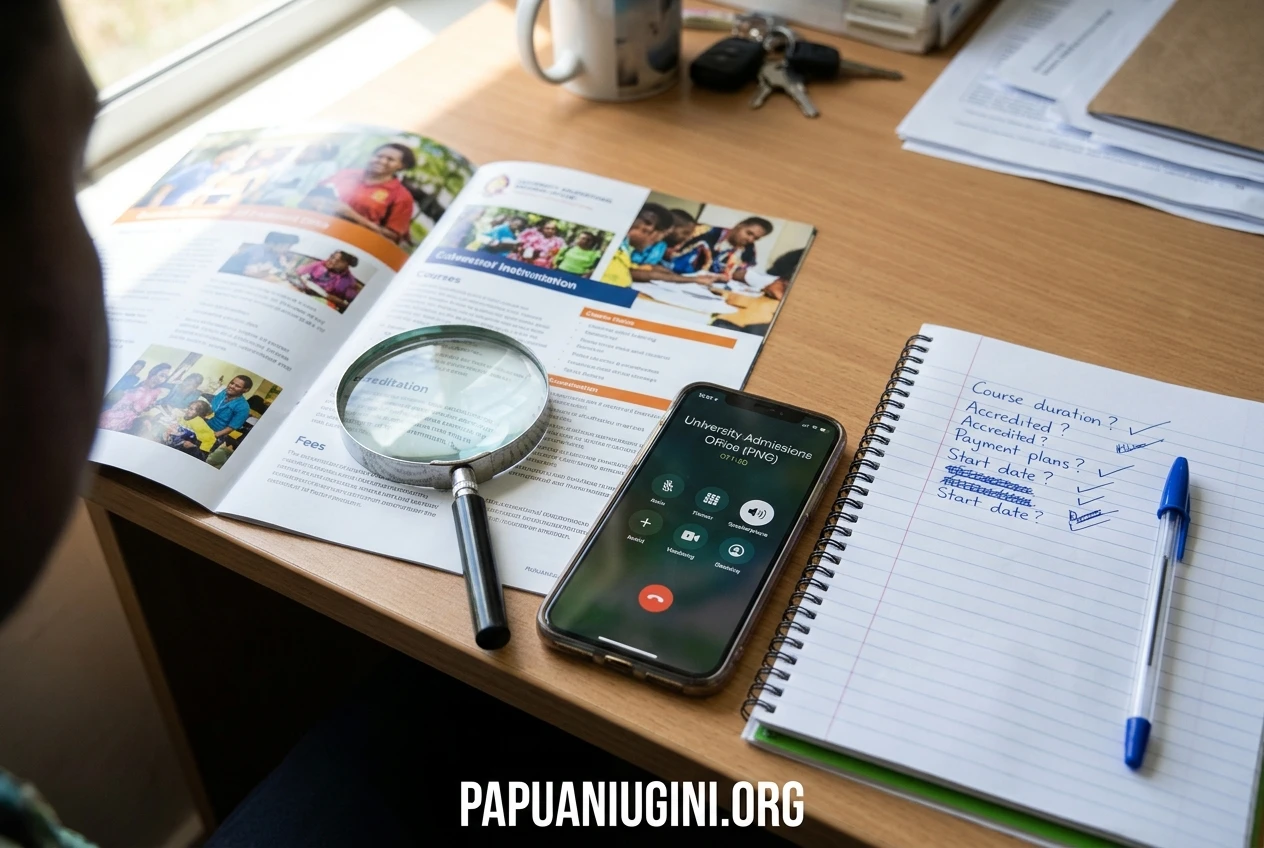
- Find the institution’s official website yourself. Search for the name and compare the address with what the institution publishes. Do not rely on a link sent to you by message or social media.
- Confirm accreditation with the regulator, not with the provider. A provider saying it is accredited proves nothing. Contact the government department responsible for higher education in Papua New Guinea and ask whether the institution and the specific program are registered, and what the current register is called.
- Contact the institution directly. Use the phone number or email on its official website and ask about fees, entry requirements, assessment and how the qualification is recognised in PNG.
- Get fees and refund terms in writing. Know the total cost, what it includes, and what happens if you withdraw.
- Pay only through the institution’s official payment channels. Be cautious about any request to send money to a personal mobile money account or a personal bank account.
- Ask whether employers recognise it. For an overseas online degree, ask whether it is recognised for jobs and further study in Papua New Guinea. Where you can, ask an employer in the field you want to enter.
Warning signs include a degree in a few weeks, a guaranteed job, pressure to pay today for a discount, no physical address or phone number, and social media pages with no history. A genuine institution will answer your questions and will not mind you checking.
Studying on a Small Data Budget: Download Once, Learn Offline, Cut Waste
The most useful habit for a limited data balance is to separate downloading from studying. Download lessons when you have a good connection, then study them later with mobile data switched off.
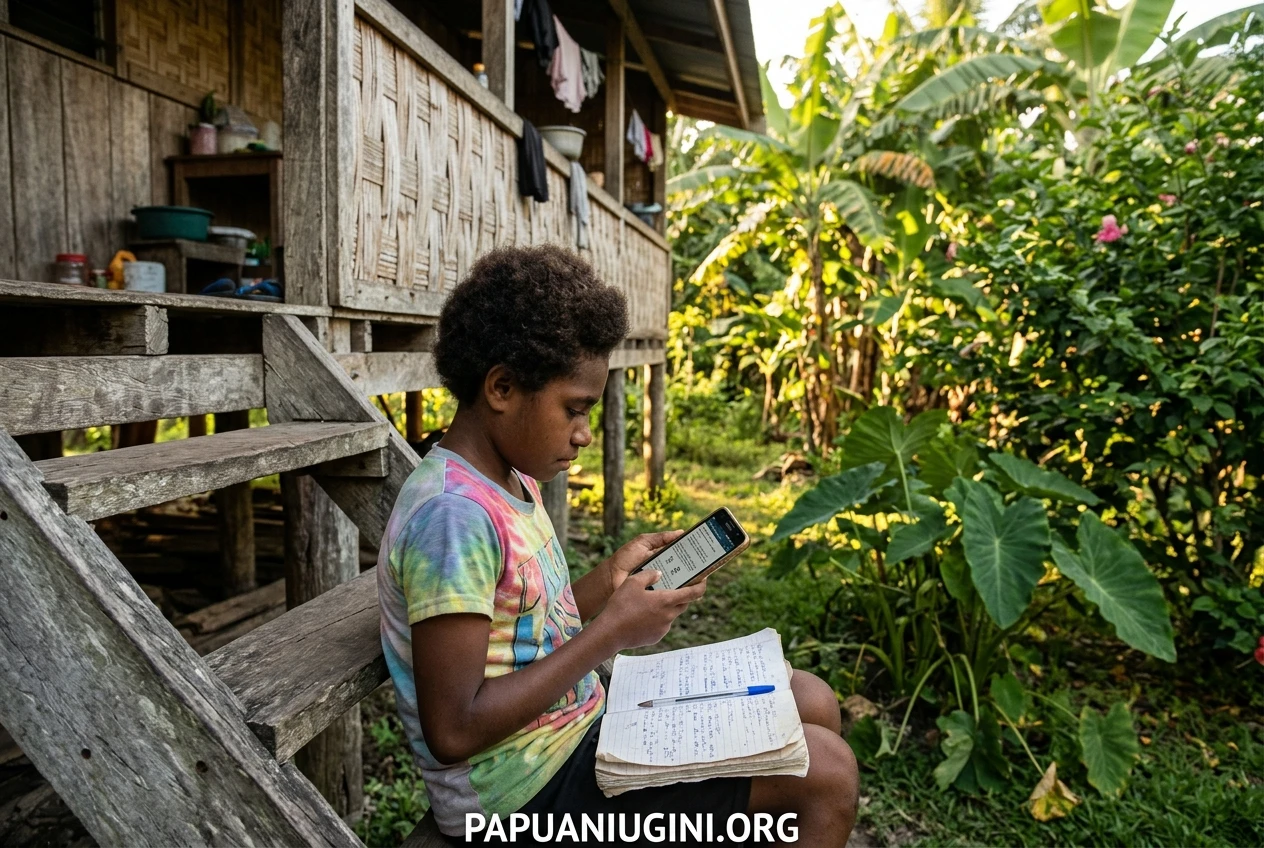
Find your best connection points. Think about where you get a stronger or cheaper connection: a school, a library, a workplace, a church office, a relative’s home or a town centre where you collect supplies. Plan your downloads for those places and times. If your network offers cheaper data at certain hours, check its current bundles and terms with the network itself, because they change.
Check for a download option before you enrol. Many course apps and sites let you save lessons for offline use. Test it with the first lesson. If a course cannot be used offline at all, it may not suit your situation.
Choose lighter formats. Where a course offers both, download the text, audio or PDF version rather than video. Lower the video quality setting if the video must be downloaded.
Cut the quiet data drains.
- Turn off automatic app updates on mobile data.
- Turn off video auto-play in social media apps.
- Use the data-saver setting on your phone and browser.
- Close apps running in the background while you download.
- Check your data balance before and after a download so you learn what each lesson really costs.
Keep a simple record. Write down each course’s download size and your balance before and after. After a week or two you will know how many lessons your budget can carry, and you can plan the month instead of guessing.
Manage phone storage. Offline lessons need space. Move photos and unused apps to a memory card or delete them, and download only the next week’s lessons rather than the whole course at once.
Keeping Going When Power and Signal Fail: A Weekly Study Plan
Outages will happen, so the plan has to survive them. The idea is to put the tasks that need power and signal on the days you have them, and keep a stock of offline work for everything else.
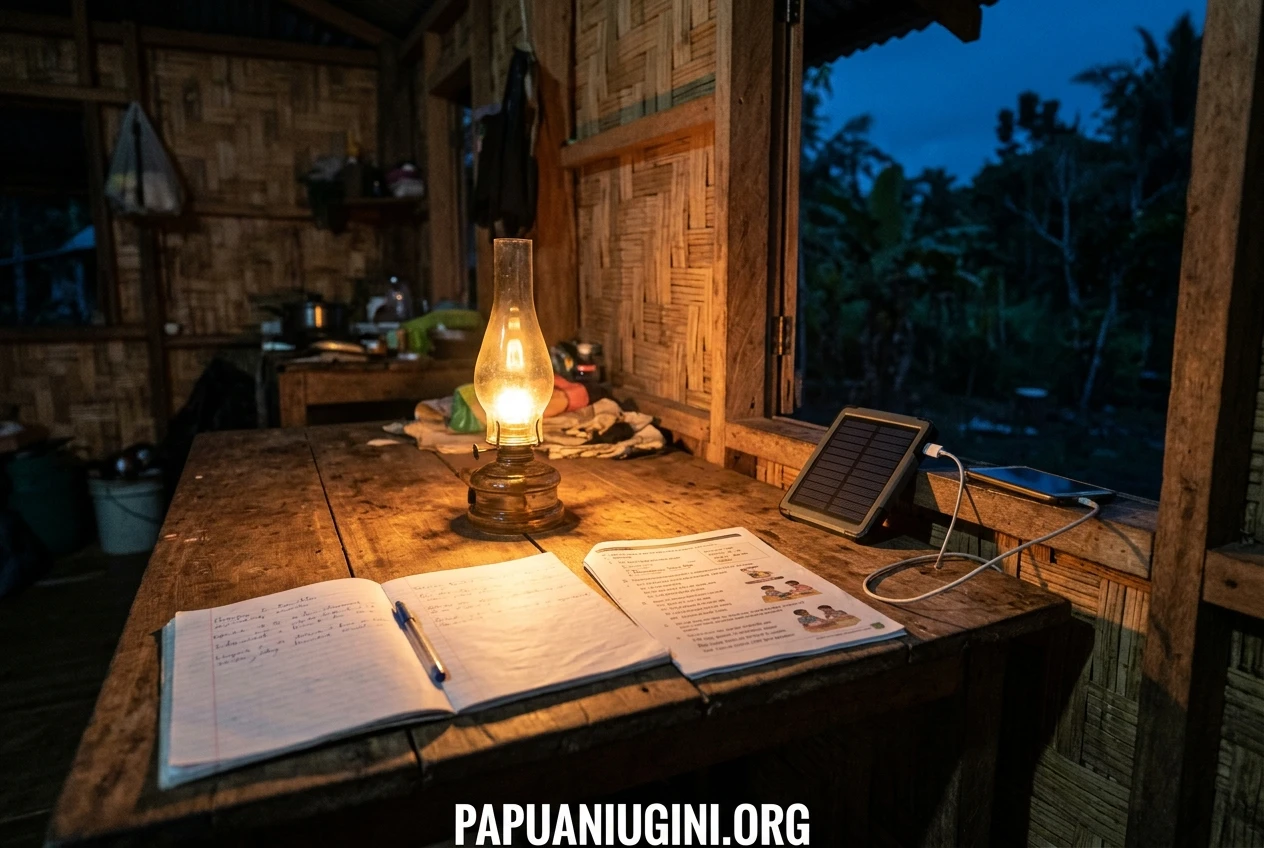
Protect your battery
- Charge your phone fully whenever electricity is available, even if you are not about to study.
- Keep a power bank or a solar charger if you can afford one, and charge it first when power returns.
- Lower screen brightness and use battery saver mode while you study.
- Keep audio lessons and readings on hand, since they use less battery than video.
A sample week
Adjust the days to match your own work and your local signal.
- Download day (one or two evenings or one town trip). Connect where the signal is best. Download the week’s lessons, readings and quiz files. Submit any assignments that need the internet. Check that everything opens offline before you disconnect.
- Study sessions (three or four short sessions, 30 to 45 minutes). Work through the offline material with data switched off. Take notes in a notebook, which needs no battery.
- Practice day. Do quizzes or exercises you saved offline, and write down any questions.
- Catch-up slot. Keep one session free. Outages will wreck some plans, and this slot absorbs the damage without ruining the week.
- Connect day. When signal is available, upload finished work, send questions to your tutor or classmates, and download the next set.
When things go wrong
If power fails during a session, switch to paper: read a printed page, review your notes, or write answers to practice questions by hand and type them in later. If signal is gone for several days, you should still have a week of offline material, so avoid starting a new week with nothing downloaded. If you miss a deadline because of an outage, tell your tutor as early as you can, and ask in advance how the course handles late work caused by connection problems.
Free and Low Cost Places to Start, and What to Ask a PNG University or College
Free learning is useful for testing a subject before you spend money. Many online platforms let you view lessons at no cost. Check whether the lessons can be downloaded, and whether a certificate or assessment carries a fee. The free version of a course may not include the part you need for a job application.
For recognised qualifications, ask Papua New Guinea institutions directly. The University of Papua New Guinea, Western Pacific University and other universities and colleges each publish their own program information on their official channels. Do not assume that a program is available online, or that a fee quoted by a third party is current. Send the questions below by email or phone and keep the written replies.
- Is this program offered by distance or online, and for which years or intakes?
- What are the entry requirements, and what documents do I need to submit?
- What are the total fees for the year, and when are they due?
- Which parts of the program need a campus visit, such as exams or practical work?
- How are lessons delivered: app, website, printed packs, or a mix?
- Can materials be downloaded or sent in printed or offline form?
- Are scholarships, fee support or payment plans available, and where is the official application?
- Is the qualification registered and recognised in Papua New Guinea?
Also ask your provincial education office, your school’s career teacher, your church or community learning group, or a trusted relative who works in your target field. Local people often know which courses employers respect.
Turning What You Learn into Work
A qualification helps most when an employer can see what you can do. Keep evidence of your learning from the start.
- Keep your certificates and transcripts safe. Store scanned copies on your phone and a paper copy somewhere dry.
- Write a short skills summary. List what you completed, what you can now do, and the year. Be accurate. Employers check.
- Build a small sample of work. A spreadsheet, a written report, a bookkeeping exercise or a simple business plan shows more than a course title does.
- Update your CV after each course. Add the provider name and the dates exactly as they appear on your certificate.
- Use references. A tutor, supervisor or community leader who can confirm your work adds weight.
Avoiding job scams
People looking for work are often targeted by fake recruiters, so slow down when money or documents are requested. A legitimate employer does not charge you to apply or to be interviewed. Be cautious about jobs offered without any interview, requests for fees through personal mobile money, and vacancies that exist only as a social media post. Confirm the vacancy on the employer’s official channels before you send anything. If you are applying through a recruitment agency, read how to check a PNG mining recruitment agency before you hand over your documents. The same checks apply to most agencies, in any industry.
Questions PNG Students Ask Most About Online Study
Can I study online using only a phone?
Many courses work on a phone, especially those built around readings, short videos and quizzes. Some assignments, such as long reports or spreadsheets, are easier on a computer. Ask the provider whether the whole course can be completed on a phone, and test the first lesson before paying.
How much data will I need?
It depends on the format. Video uses much more than text, and live classes use the most. Record the size of your first few downloads and your balance before and after, and you will have a figure based on your own use.
What if I live where there is no signal for days at a time?
Choose a course that supports full offline study and have lessons downloaded before you travel home. Ask the provider about printed packs or USB delivery. A provider with experience of distance students will understand the question.
Will employers accept an online qualification?
It depends on the provider, the qualification and the employer. Check that the institution is genuine and registered, then ask an employer in your field whether they recognise it. An online course from a respected, verifiable institution is a better choice than a cheap one nobody can verify.
Are free courses worth doing?
Yes, for testing a subject and building a skill. A free course may not carry the recognition that a registered qualification does, so treat it as a first step rather than a replacement for a certificate you may need.
How do I stay motivated studying alone?
Fix your sessions to the same days each week and tell someone about them. Join or form a small study group with classmates or friends who can meet in person, even if each of you studies a different course. Sharing notes and checking each other’s progress works better than keeping goals to yourself.
What should I do first?
Choose one pathway, choose one short course, and check the provider using the steps above. Download the first lesson at your best connection point and see whether the format works for your phone and your week. Then decide how far to go.
Join the PAPUANIUGINI.ORG email newsletter to get new student guides, scholarship and career information and practical tips for studying with limited internet, sent straight to your inbox.