

Most lists of digital tools for small business in Papua New Guinea were written for somewhere else. They assume a fast connection, power that stays on all day and a customer who pays by card. A trade-store owner in Kundiawa, a market seller in Lae or a fish seller in Kavieng has to ask different questions. Does this tool work when the signal drops? Does it still work after the battery dies? Can it handle a customer who hands over notes?
This article ranks tools by those questions. It does not list business ideas; for that, see our guide to small business ideas in Papua New Guinea. It covers the tools that help you run whichever business you already have or plan to start.
Features, costs and availability of apps and services change often, and coverage differs between provinces. Check each tool’s current details with the provider before you depend on it. No prices are quoted here for that reason.
Why most “essential tools” lists fail in PNG, and the test every tool here has to pass
A typical list recommends cloud accounting software, a website builder, a card reader and a video-call system. Each of these needs a steady connection, a charged device and customers with bank cards. Many Papua New Guinean owners have none of the three on a normal day.
Every tool below has to pass four checks:
- Low data: it still works if you have only a small amount of data, or none for several days.
- Offline use: you can record or prepare things without a connection and sync later if needed.
- Cash and mobile customers: it fits how your customers actually pay.
- Power: it does not drain a phone you also need for calls and payments.
A tool that fails two or more of these is not worth building your business around, however popular it is overseas. A paper notebook passes all four, which is why it appears in this list.
Staying reachable: a basic phone, messaging apps and a business page
Customers buy from the person they can reach. Start with the simplest channel: a working phone number printed or written wherever your customers will see it, such as a sign, a receipt, a carton or a shop wall. Calls and SMS work on any handset and do not depend on a data connection.
If you have a smartphone and some data, add a messaging app. Customers often prefer to send a short message, a photo or a voice note and get a reply later. Messaging apps such as WhatsApp and Facebook Messenger are widely used for this, but check which one your own customers already use before you set one up. Ask five regular customers; their answers matter more than any ranking.
A Facebook business page is the next step. It lets people see what you sell, where you are and how to contact you without you replying to the same question repeatedly. A few habits keep it useful and cheap:
- Post clear photos of your goods with the price and the place you sell from.
- Write your opening days and hours in the page’s about section.
- Pin one post that answers the questions you get most often.
- Prepare posts when you have a connection, then publish them in one go.
Photos use more data than text. Check whether a lighter version of an app is available for your phone, and check your phone’s settings for options that limit how much data photos and videos use.
Keeping honest records: spreadsheets and bookkeeping without a connection
Records show you whether you are making money. Many small owners know what is in the till but not what they spent last week, and the difference between those two figures is the profit, if there is any.
A notebook with two columns, money in and money out, with the date and a short description on each line, is a complete bookkeeping system at the smallest scale. It needs no power, no data and no password. Rule it up once a week and add the totals.
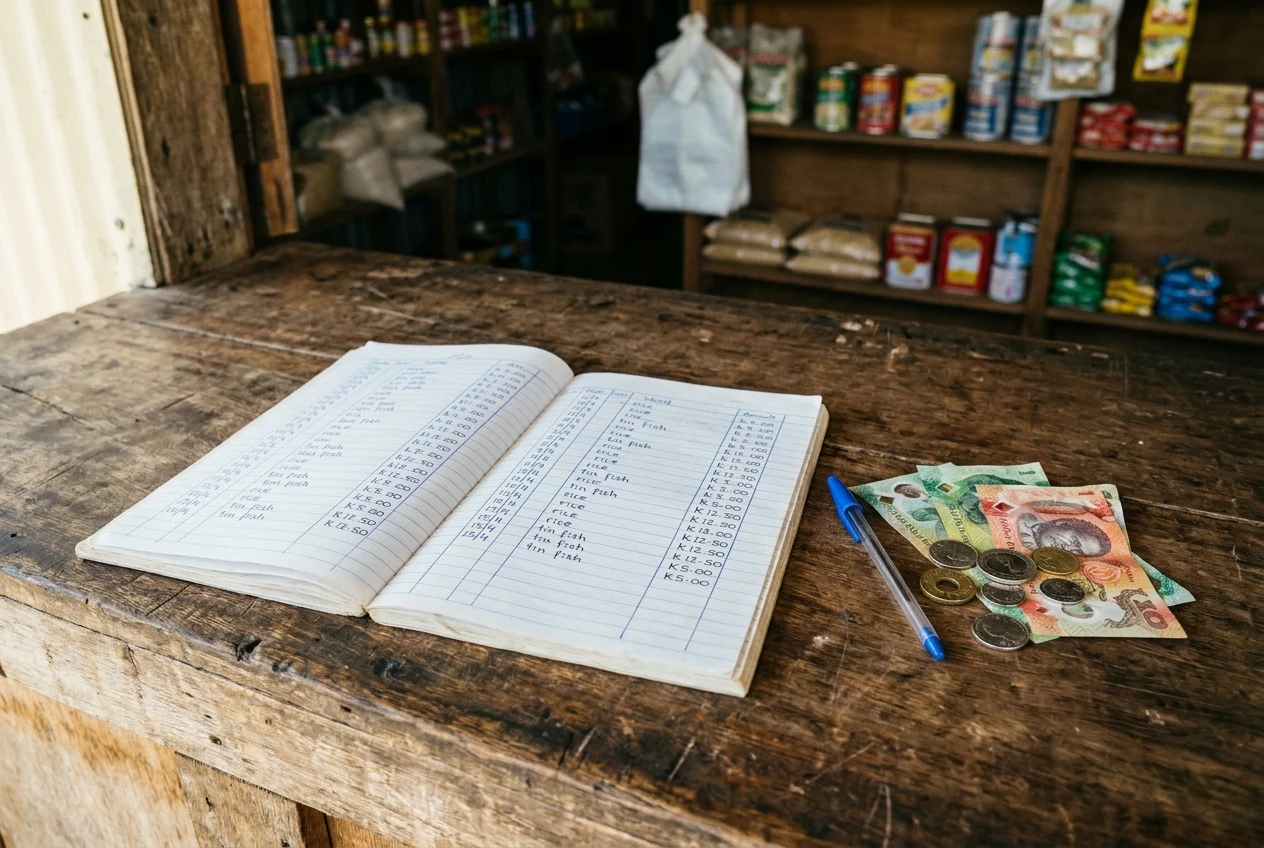
If you want to move to a phone or computer, a spreadsheet is the next tool. Some spreadsheet apps can be set to work offline and update when you next connect; the setting and the steps differ by app, so check that yours does this before you trust it with your only copy of the records. Keep the layout the same as the notebook so the habit carries over:
- Date
- What it was (sale, stock purchase, transport, fuel, wages)
- Money in
- Money out
- How it was paid (cash, mobile money, bank transfer)
The last column matters for the next section. Back up your records on a regular schedule. If the phone is lost, stolen or water-damaged, a notebook or a copy on a second device means you lose nothing. Copy a page into a photo, or save the file to a memory card, whichever you can manage without using data.
Getting paid: mobile money, bank transfers and cash
Most small businesses here take three kinds of payment, and each one needs its own habit.
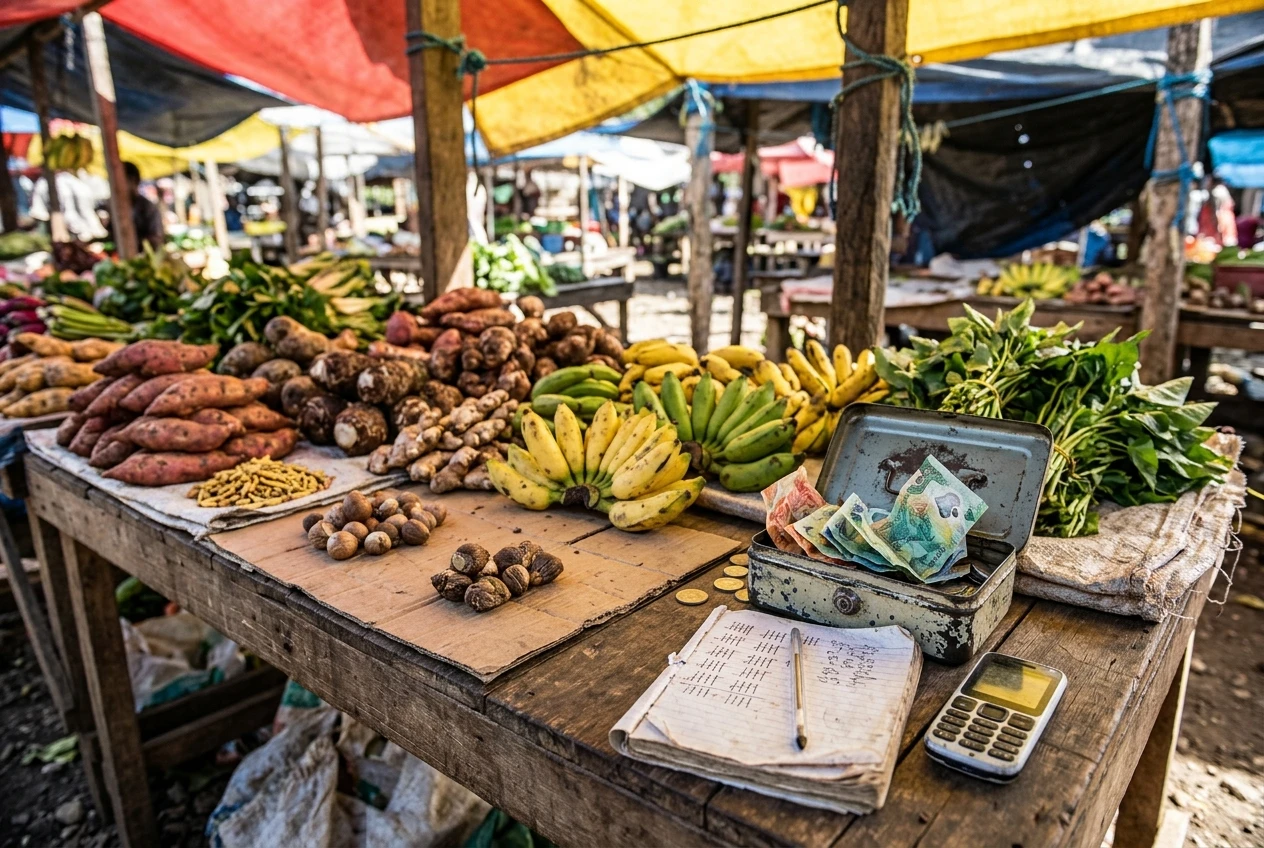
Cash. Count it at the time and write the sale down immediately. At the end of the day, count the till, compare it with the cash column in your records and write down any difference. A small gap one day is a prompt to check; a gap that repeats is a problem to find.
Mobile money. Where a mobile money service is available in your area, customers may prefer it to carrying cash. Ask your network or bank which service you can use as a business, what it requires to set up and what it charges. Fees and limits change, and you should know them before you quote prices. When a customer pays this way, check that the money has reached your own account by looking at your own balance or message. Do not rely on the customer showing you their phone screen.
Bank transfers. These suit larger orders, such as a school, a church group or a company buying in bulk. Give the customer your account name and number in writing, and confirm the money has cleared before you release the goods.
For every payment type, write the same things in your records: date, amount, what was sold and how it was paid. At the end of the week, three totals (cash, mobile, bank) should add up to your sales. If your records show a mobile money fee, record it as a cost so your profit figure is accurate.
Selling beyond your street: social media and online listings
Once you have a page and a phone number, you can sell to people you will never meet in your market. Social media groups, online listing sites and local buy-and-sell pages are all used for this. Which ones suit you depends on where your customers are, so look at where people in your town already ask for and offer goods.
Good listings are specific. Give the item, size or quantity, price, location and how the buyer can collect or receive it. Honest photos taken in daylight, of the real item, do better than pictures copied from elsewhere, and they protect your reputation.
Selling to strangers also brings scam risks, for both buyers and sellers. Some habits reduce them:
- Never send goods before you have confirmed the money in your own account.
- Be cautious if a buyer offers to pay more than the price and asks you to send back the difference. Pay-more-and-refund tricks are a known scam pattern.
- If you are the buyer, be wary of a seller who will only accept payment in advance and has no history, no local address and no way to meet.
- Meet in a public place for local handovers, and bring someone with you if you can.
- Keep messages and payment confirmations until the sale is complete and the buyer is satisfied.
- Do not share your PIN, passwords or verification codes with anyone, including people who say they are from a bank or network.
If an offer looks too good, ask a friend or family member before you act on it. A short delay costs you less than a lost payment.
Working around power and data limits
A phone that is flat at the wrong moment loses you sales, so treat power as part of the business.
A power bank is the most useful accessory for most owners. Choose one from a shop you can return to if it fails, and check the capacity against how many times you need to charge your phone. Charge it when mains or solar power is available, not when you need it. Where you have solar panels or a generator, set a regular charging time so devices are full before the power goes.
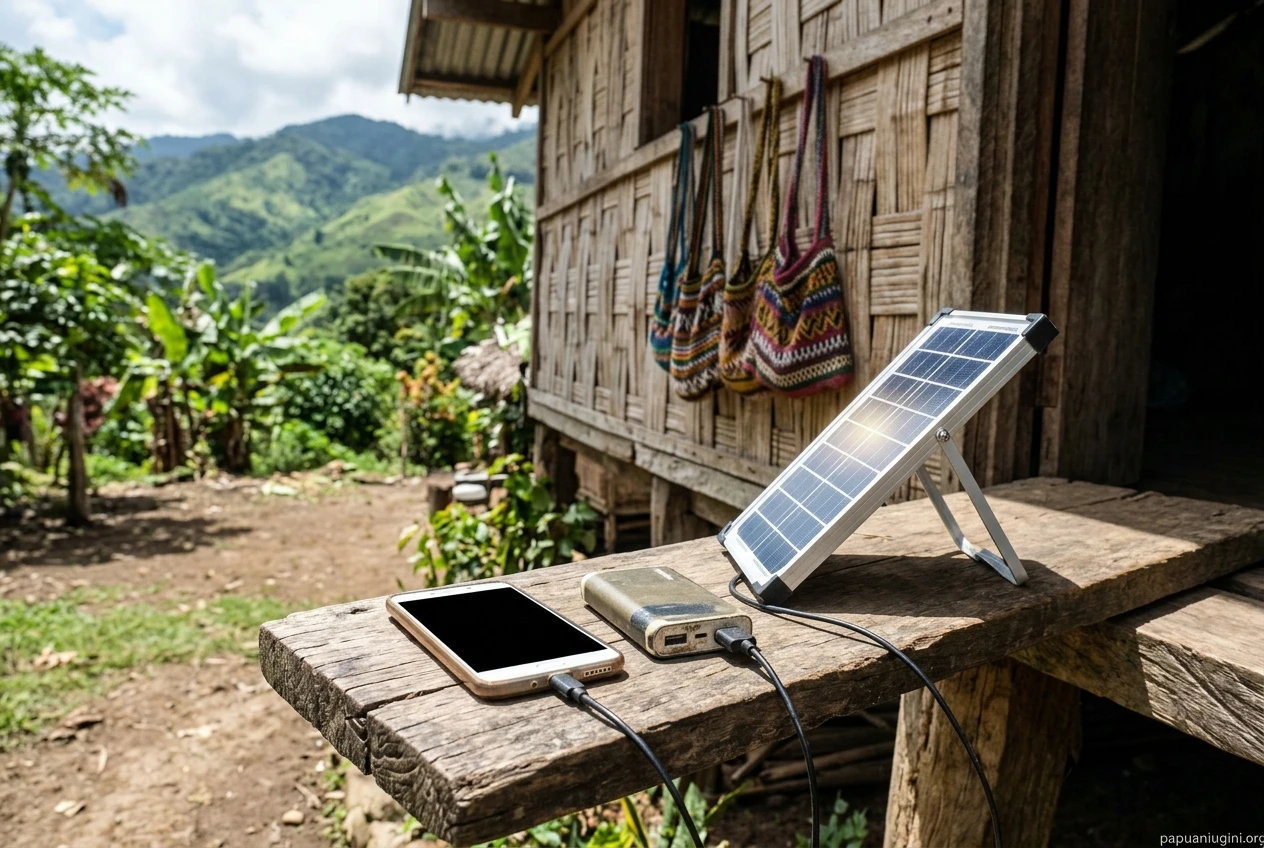
Data is the second limit. These habits stretch it:
- Batch your online work. Pick one or two times a day, or a few times a week, to answer messages, post listings and check payments, rather than keeping the connection open all day.
- Prepare offline. Write posts, price lists and replies in a notes app or on paper, then send them in one session.
- Turn off automatic updates and background activity for apps you do not need, where your phone allows it.
- Use Wi-Fi when you can, for example at a school, church, office or friend’s place, for large downloads and uploads.
- Keep a little data in reserve for payment confirmations, which matter more than browsing.
Lower the screen brightness and close apps you are not using to save battery as well.
Getting goods to customers: where tools end and shipping begins
An order is not finished when the customer pays. The goods still have to reach them, and no app does that for you. A messaging thread can agree the order, a spreadsheet can record it and a mobile payment can settle it, but a person, a vehicle, a boat or a flight carries the goods.
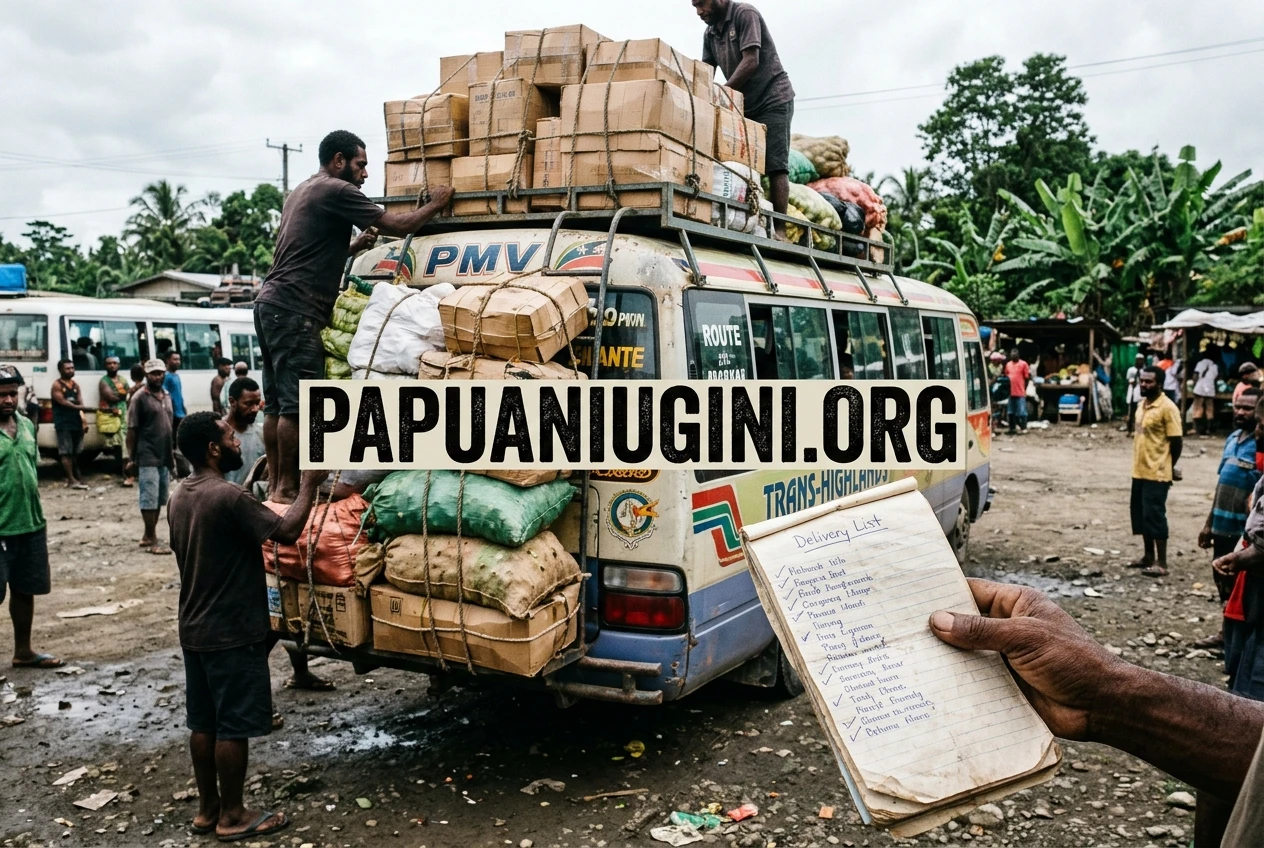
Before you promise a delivery date, work out how the goods will travel, who will carry them, what it will cost and what happens if they are delayed. Add the shipping cost to your price, or tell the customer clearly that it is extra, so you do not lose your margin on the delivery. Write the tracking or receipt details in your records next to the sale.
We have two guides for the practical side. One shows you how to compare shipping rates, and the other shows you how to send and track a parcel with PNG Post. Both are linked at the end of this article.
A starter toolkit by budget and location
What you set up first depends on where you are and what you can spend.
In town (Port Moresby, Lae and similar)
Coverage and power are usually better, so you can use more digital tools:
- A working phone number on every sign and receipt.
- A messaging app your customers already use.
- A Facebook business page with clear photos and prices.
- A spreadsheet backed up regularly, alongside a notebook as a fallback.
- A mobile money or bank account for business payments, once you know its fees.
- A power bank for outages.
In a provincial centre
Connections may be slower or less steady, so keep the paper system as your main record:
- A phone number and a messaging app.
- A notebook ledger ruled up weekly, with a phone photo of each page as backup if you have storage.
- A business page you update in one batch session when you have a good connection.
- Mobile money where available, with the cash column kept carefully.
- A power bank and a fixed charging routine.
In a rural area
Plan for no connection on many days:
- A phone with calls and SMS as your main channel. Tell regular customers your number in person and through your wantok network.
- A notebook ledger as your only required tool. It is enough.
- A messaging app or page only if you reach a signal regularly, using batch sessions when you travel to town or reach a good spot.
- A power bank or solar charger so the phone is ready when the signal comes.
- A clear plan for how goods reach your customers, since this is usually your biggest cost and delay.
Start with one or two tools from your list, use them for a month and add the next only when the first is a habit. Check each tool’s current features, costs and availability before you rely on it.
Ready to get your goods to customers? Read our guide on how to compare shipping rates in Papua New Guinea and how to send and track a parcel with PNG Post.
